A preschooler does not need a curriculum. They need a few good apps that teach letters, numbers, and new words through play — and nothing that shouts at them, flashes ads, or makes them feel they have failed. The best preschool apps are calm, simple to navigate, and built for a child who cannot read yet.
This list collects eight preschool learning apps for ages 2 to 8, checked on their official sites. They cover letters and phonics, early maths, reading, and open-ended creative play. Four are free or one-time purchases, and four are subscriptions, with free trials or free tiers to try first.
We checked every app on its official website on November 11, 2026, looking for a real fit with preschool and Pre-K children, clear information about what is free, and content a child can use without an adult hovering. Where a site did not state a price, we say so rather than guessing.
Key takeaways
- PBS KIDS Games and Duck Duck Moose are completely free, with no ads and no subscriptions.
- Endless Alphabet is a one-time $8.99 purchase, with 7 word puzzles free to try.
- Teach Your Monster to Read is free on computers, and its apps cost $8.99 once — moving to a subscription in early 2027.
- Lingokids Plus is $13.49 a month or $71.88 a year, with a free Basic plan of 10 games a day.
- Kiddopia is $12.99 a month or $79.99 a year, with 1,000+ games and no ads.
Quick comparison
| # | Tool | Best for | Grades / audience | Pricing | Free plan |
|---|---|---|---|---|---|
| 1 | free games with characters children already love | Ages 2–8 | Free | Free | |
| 2 | letters and vocabulary through talking-letter puzzles | Ages 2–6 | Free + paid | Free to try (7 word puzzles) | |
| 3 | free early learning apps from one trusted maker | Ages 2–7 | Free | Free | |
| 4 | one broad app across many subjects | Ages 2–8 | Free + paid | Free Basic plan | |
| 5 | gentle open-ended play for ages 2–6 | Ages 2–6 | Free + paid | Free download with trial | |
| 6 | a free phonics game on the computer | Ages 3–6 | Free + paid | Free on the web | |
| 7 | calm, open-ended play with no scores and no losing | Ages 2–8 | Free + paid | 7-day free trial | |
| 8 | game-based learning across many subjects | Ages 2–7 | Free + paid | 7-day free trial |
Make a tool for teachers?
Built something teachers love? We keep these guides fresh, so send us a new tool, updated pricing or a featured spot request.
Request a listingThe 8 best picks
- Pricing
- Free
- Free plan
- Free
- Grades / audience
- Ages 2–8
PBS KIDS Games is a free app with more than 280 curriculum-based games for children ages 2 to 8, starring characters from Daniel Tiger, Wild Kratts, Lyla in the Loop, and other PBS KIDS shows. The games are kid-tested and cover preschool, kindergarten, and early elementary learning, with more than 50 games for Spanish speakers. Games can be downloaded to play offline, and many of the same games run in a browser at pbskids.org/games.
What we like
- 280+ free curriculum-based games for ages 2–8
- Games from Daniel Tiger, Wild Kratts, and other PBS KIDS shows
- 50+ games for Spanish speakers
- Download games to play offline, and play in a browser too
Watch out for
- New games are added weekly, so the library keeps changing.
- It is a games app, so progress is not tracked or reported.
Pricing: Free, with no ads and no subscriptions.
Endless Alphabet
Best for: letters and vocabulary through talking-letter puzzles
- Pricing
- Free + paid
- Free plan
- Free to try (7 word puzzles)
- Grades / audience
- Ages 2–6
Endless Alphabet, from Originator, turns each word into a puzzle. Children drag talking letters into place, hearing each letter's sound as the word is built, then watch a short animation that shows what the word means. The app holds more than 100 words, with friendly monster characters in every puzzle, and there are no high scores, failures, or limits. It is free to try with 7 word puzzles, and the full version is a one-time purchase.
What we like
- 100+ words, each with a drag-and-drop letter puzzle
- Talking letters that say their sounds as the word is built
- Short animation that shows what each word means
- No high scores, failures, or limits — children play at their own pace
Watch out for
- One app covers vocabulary only — maths and reading need the companion apps.
- It needs an internet connection the first time it runs, to download its words.
Pricing: Free to try with 7 word puzzles; full version $8.99 one-time.
Duck Duck Moose
Best for: free early learning apps from one trusted maker
- Pricing
- Free
- Free plan
- Free
- Grades / audience
- Ages 2–7
Duck Duck Moose, now part of Khan Academy, makes a set of free educational apps for young children. Duck Duck Moose Reading teaches phonics in a zoo-themed adventure for ages 3 to 7, Moose Math teaches counting, addition, subtraction, sorting, and geometry, and Fish School teaches letters and numbers for ages 2 to 5. Every app is free, with no ads and no subscriptions, and they are built to Common Core State Standards.
What we like
- Duck Duck Moose Reading teaches phonics for ages 3–7
- Moose Math teaches counting, addition, and geometry for ages 3–7
- Fish School teaches letters and numbers for ages 2–5
- All apps are free, with no ads and no subscriptions
Watch out for
- The apps are separate downloads, not one app.
- The newest app is Khan Academy Kids, which the Duck Duck Moose team also built.
Pricing: Free, with no ads and no subscriptions.
- Pricing
- Free + paid
- Free plan
- Free Basic plan
- Grades / audience
- Ages 2–8
Lingokids is a play-learning app for children ages 2 to 8, with more than 4,000 activities across 18 subject areas, including maths, reading, science, social-emotional skills, music, and English. Children play games, sing songs, and watch videos and podcasts, with content from partners such as Disney, NASA, and Oxford University Press. It has no ads on any plan, and it is kidSAFE certified. Basic is free with 10 games a day, and Plus adds unlimited activities, offline mode, and up to 4 child profiles.
What we like
- 4,000+ activities across 18 subject areas
- Games, songs, videos, lessons, and podcasts for ages 2–8
- No ads on any plan, and kidSAFE certified
- Progress Center and up to 4 child profiles on Plus
Watch out for
- Plus prices vary by platform, country, and active offers, so check at checkout.
- It runs on phones and tablets only — there is no computer version.
Pricing: Basic free (10 games a day, 1 child profile); Plus $13.49 a month or $71.88 a year, with a 7-day free trial.
- Pricing
- Free + paid
- Free plan
- Free download with trial
- Grades / audience
- Ages 2–6
Sago Mini World is a subscription app from Sago Mini where children ages 2 to 6 create, learn, and explore hundreds of thoughtfully designed activities. The app is easy to navigate, with no ads or in-app purchases for subscribers, and it is COPPA and kidSAFE certified. It is also part of Piknik, a bundle that adds apps from Toca Boca and Originator under one subscription.
What we like
- Hundreds of activities in one kid-friendly app
- Ages 2–6, with activities that support development
- COPPA and kidSAFE certified, with no ads for subscribers
- Part of Piknik, a bundle with Toca Boca and Originator apps
Watch out for
- The official site does not publish prices, so check the app store before subscribing.
- Most content needs the subscription after the trial ends.
Pricing: Free to download with a free trial; subscription — price not stated on the official site.
Teach Your Monster to Read
Best for: a free phonics game on the computer
- Pricing
- Free + paid
- Free plan
- Free on the web
- Grades / audience
- Ages 3–6
Teach Your Monster to Read is an award-winning phonics game where a child's monster goes on a reading adventure. It was built with reading experts from the University of Roehampton and is funded by the Usborne Foundation charity. The game teaches systematic phonics and covers roughly the first two years of learning to read, and it is completely free to play on computers. The mobile apps cost $8.99 once, and the company has said the app will move to a subscription in early 2027, while the web version stays free.
What we like
- Game-based systematic phonics for ages 3–6
- Built with the University of Roehampton, funded by the Usborne Foundation charity
- Covers the first two years of learning to read
- Free on computers; free for classrooms in the new version
Watch out for
- The mobile apps are moving from a one-time purchase to a subscription in early 2027.
- The web version needs an internet connection.
Pricing: Free on computers; apps $8.99 one-time (moving to a subscription in early 2027 — check the app store).
- Pricing
- Free + paid
- Free plan
- 7-day free trial
- Grades / audience
- Ages 2–8
Pok Pok is a Montessori-inspired digital playroom for children ages 2 to 8, with more than 20 open-ended toys to explore, build, draw, and make music with. There are no goals, scores, levels, winning, or losing — children discover how each toy works by playing with it. The app is low-stimulation, has no ads, works offline, and one subscription covers the whole family. It won an Apple Design Award.
What we like
- 20+ digital toys in a Montessori-inspired playroom
- No goals, scores, levels, winning, or losing
- Low-stimulation design with no ads
- Works offline, with one subscription for the whole family
Watch out for
- iOS only — there is no Android, web, or TV version.
- The official site does not publish prices, so check the App Store.
Pricing: Free download with a 7-day free trial; subscription — price not stated on the official site.
- Pricing
- Free + paid
- Free plan
- 7-day free trial
- Grades / audience
- Ages 2–7
Kiddopia is a game-based early learning app for children ages 2 to 7, with more than 1,000 activities covering maths, language, science, creativity, and role play. Every activity is built as a game first, including phonics, sight words, storytelling, and reading readiness. There are no ads and no in-app purchases, one subscription covers the whole family, and the app works offline.
What we like
- 1,000+ games across maths, language, science, and creativity
- Phonics, sight words, storytelling, and reading readiness
- Up to 3 child profiles and offline mode
- No ads and no in-app purchases
Watch out for
- The trial converts to a paid subscription automatically if you do not cancel.
- Content ends at age 7, so older children outgrow it.
Pricing: Monthly $12.99 or annual $79.99, after a 7-day free trial.
How we chose
We started from tools PreK–6 teachers actually use and checked every one against its official website, pricing page and feature pages on November 11, 2026. We kept tools that fit elementary classrooms, noted whether a free plan exists, and wrote down honest limitations next to the strengths. Nobody paid to be included, and we don't use affiliate links on this page.
- Fit for PreK–6 classrooms, special education or homeschool
- Clear information on the official site about what the tool does and who it is for
- Free plan or free-for-teachers option noted where one exists
- Still active and maintained, with rebrands noted
How to choose the right tool
Start with the age, not the subject. A two-year-old needs big buttons and no reading to start, which Pok Pok and Duck Duck Moose do well. A five-year-old is ready for phonics games such as Teach Your Monster to Read and Endless Alphabet.
Check what is actually free before you plan around it. PBS KIDS Games and Duck Duck Moose cost nothing at all. Endless Alphabet and Teach Your Monster to Read are one-time purchases, while Lingokids, Kiddopia, and Sago Mini World are subscriptions.
Look for apps with no scores and no failure. Preschoolers learn by exploring, so an app such as Endless Alphabet or Pok Pok, with no high scores and no wrong answers, keeps a child playing longer than a quiz app.
Match the app to the moment. A short game such as a Duck Duck Moose activity fits a waiting room. A full curriculum app such as Lingokids or Kiddopia fits a daily learning routine at home.
Try it yourself first. Open the app, play one activity, and check the sound, the pace, and whether a child can get back to the start without help. What looks calm in a screenshot can be noisy and rushed in use.
Watch the subscription. Several apps here start with a free trial that turns into a paid plan, so set a reminder to cancel if the app does not earn its place after a week.
Best pick by situation
- You need a free app a preschooler can open alone: PBS KIDS Games — 280+ free games with familiar characters and no ads
- Your child is learning letters and their sounds: Endless Alphabet — talking-letter puzzles with a short animation for each word
- You want a phonics game that costs nothing on a computer: Teach Your Monster to Read — the full game is free on the web, with no subscription
- Your child needs calm play with no scores and no losing: Pok Pok — a Montessori-inspired playroom of open-ended digital toys
- You want one app that covers maths, reading, and science: Kiddopia — 1,000+ games across subjects for ages 2–7, with no ads
- Your child loves stories and characters from TV: PBS KIDS Games — games from Daniel Tiger, Wild Kratts, and other PBS KIDS shows
Pair it with printables
For screen-free preschool practice, these Activity Express packets cover the same skills — all about me, the alphabet, and seasonal fun for Pre-K.
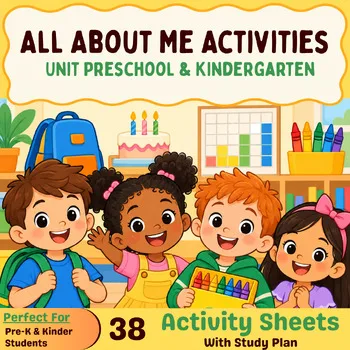 All About Me ActivitiesPreschool, Pre-K, TK, Kindergarten$3.25 · 38 pages
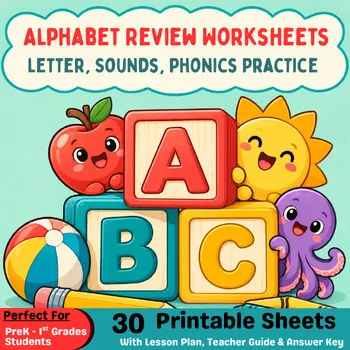 Alphabet Review WorksheetsPreschool, PreK, Kindergarten, 1st grade$3.25 · 30 pages
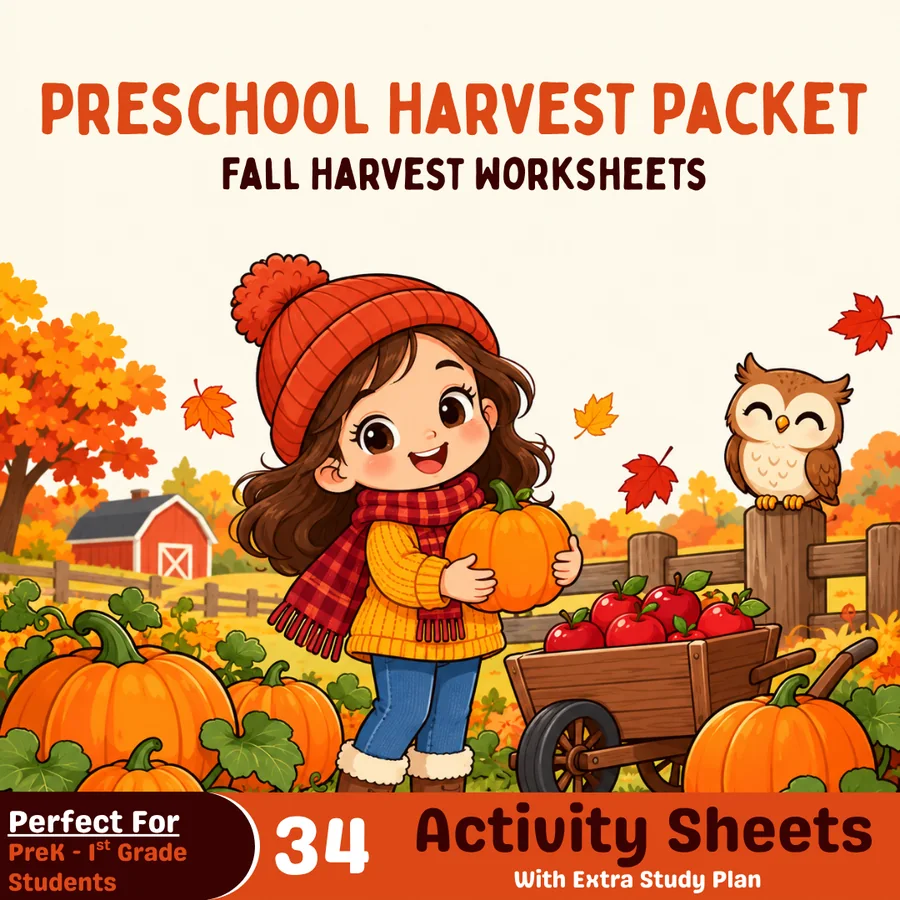 Preschool October Harvest PacketPreschool, Pre-K, TK$4.49 · 39 pages (34 activities)
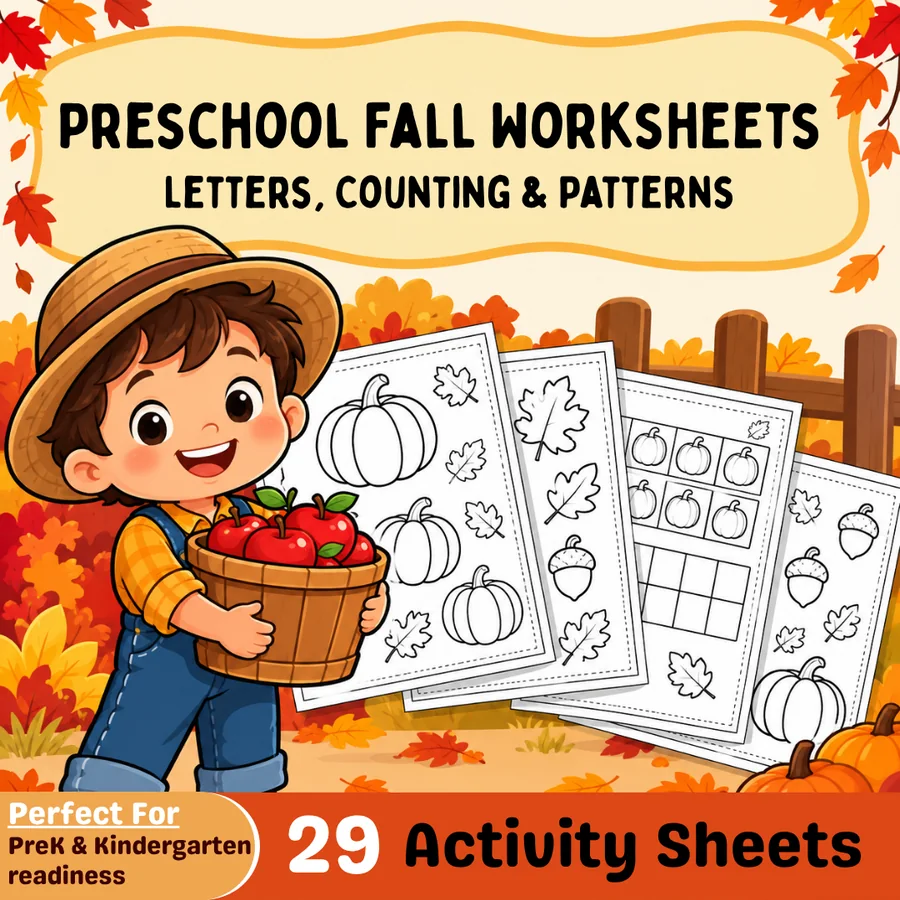 Pre-K Fall Fun PacketPreschool, Pre-K$3.49 · 33 pages (29 activities)
Frequently asked questions
Which preschool app is completely free?
PBS KIDS Games and Duck Duck Moose are completely free, with no ads and no subscriptions. Khan Academy Kids is also free, but it is already covered in the kindergarten readiness guide.
What is the best preschool app for learning letters?
Endless Alphabet teaches letters and vocabulary through talking-letter puzzles, and Teach Your Monster to Read teaches phonics through a game. Both suit ages 2–6, and Teach Your Monster to Read is free on the web.
Can preschoolers use these apps on their own?
Most of them, yes. PBS KIDS Games, Duck Duck Moose, and Pok Pok are built for a child to navigate alone, with no reading needed to start. Sit with a new app once first, then let them explore.
How much screen time is right for a preschooler?
Keep sessions short — 15 to 20 minutes — and treat the app as one activity among many, not the day's learning. The best apps here have no scores or timers pushing a child to keep playing.
How much do preschool apps cost?
PBS KIDS Games and Duck Duck Moose are free. Endless Alphabet is a one-time $8.99. Teach Your Monster to Read is free on computers and $8.99 once on mobile. Lingokids Plus is $13.49 a month or $71.88 a year, and Kiddopia is $12.99 a month or $79.99 a year.
Make a tool for teachers?
Built something teachers love? We keep these guides fresh, so send us a new tool, updated pricing or a featured spot request.
Request a listingDisclosure: no tool on this page paid to be included and we don't earn commissions from these links. Featured placements, if we ever offer them, will be clearly labeled "Sponsored". Details were checked on each provider's official website on November 11, 2026 and can change.